K-Configurator
FISA/8X/4X/EVO Editor & Manager
Organize banks, scenes/upgs, backups, and premium libraries
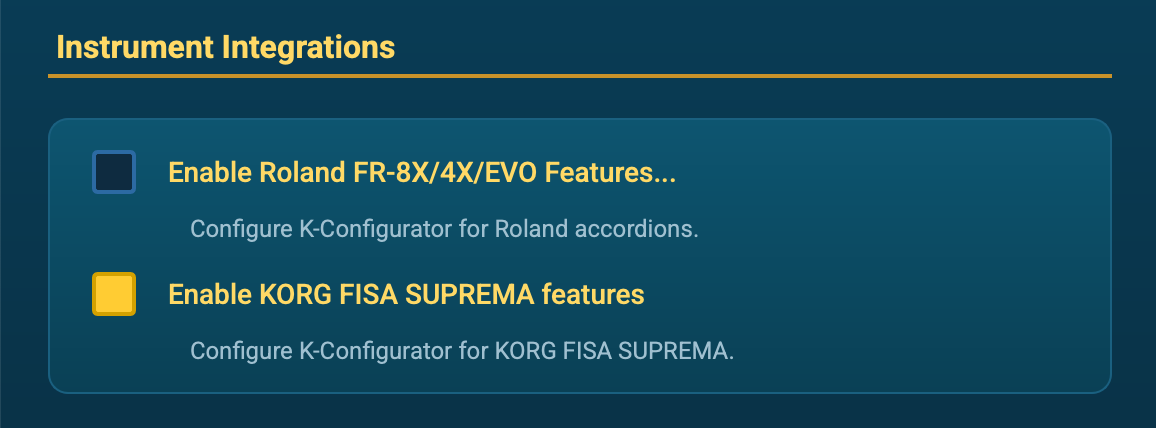
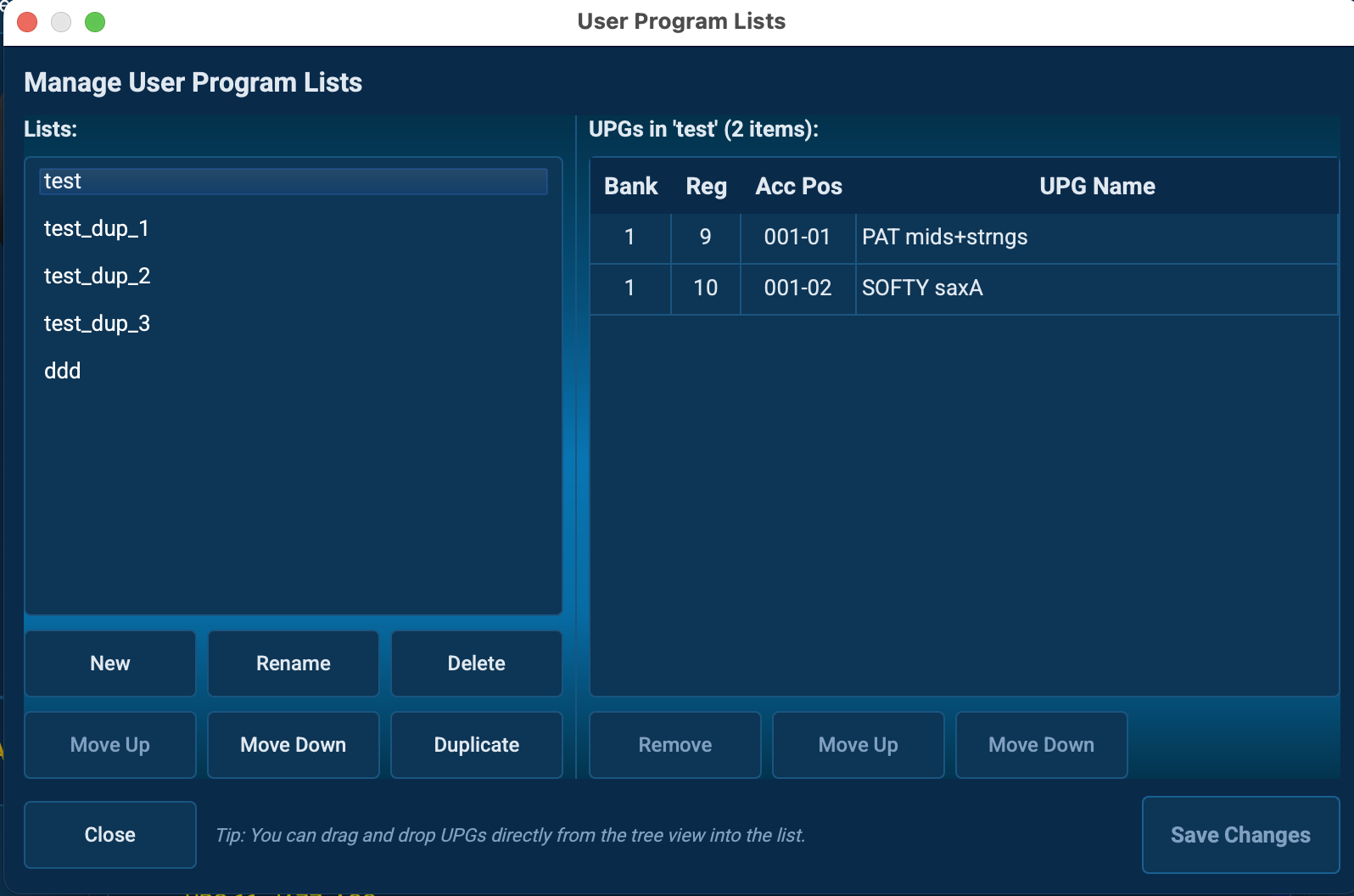
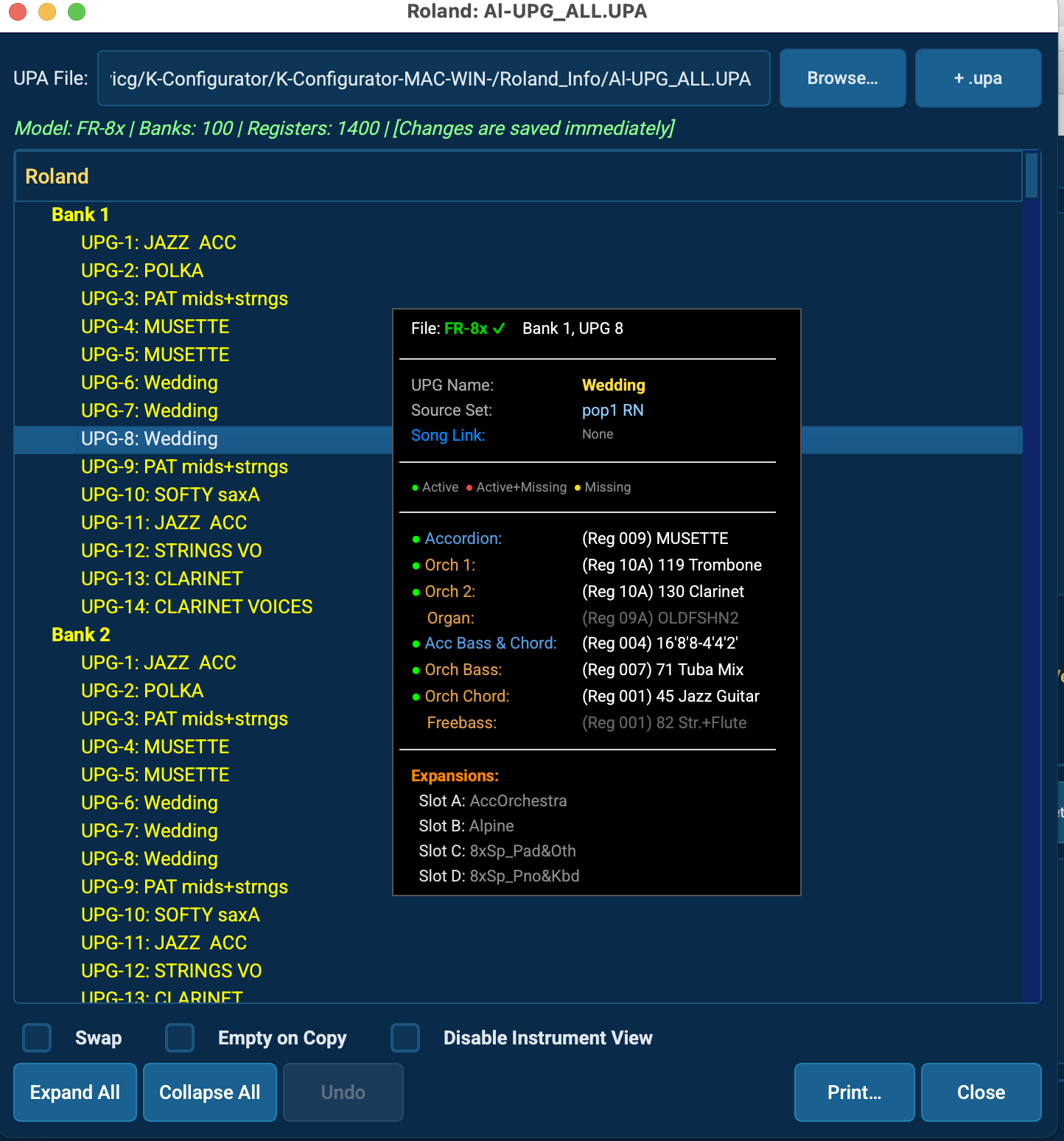
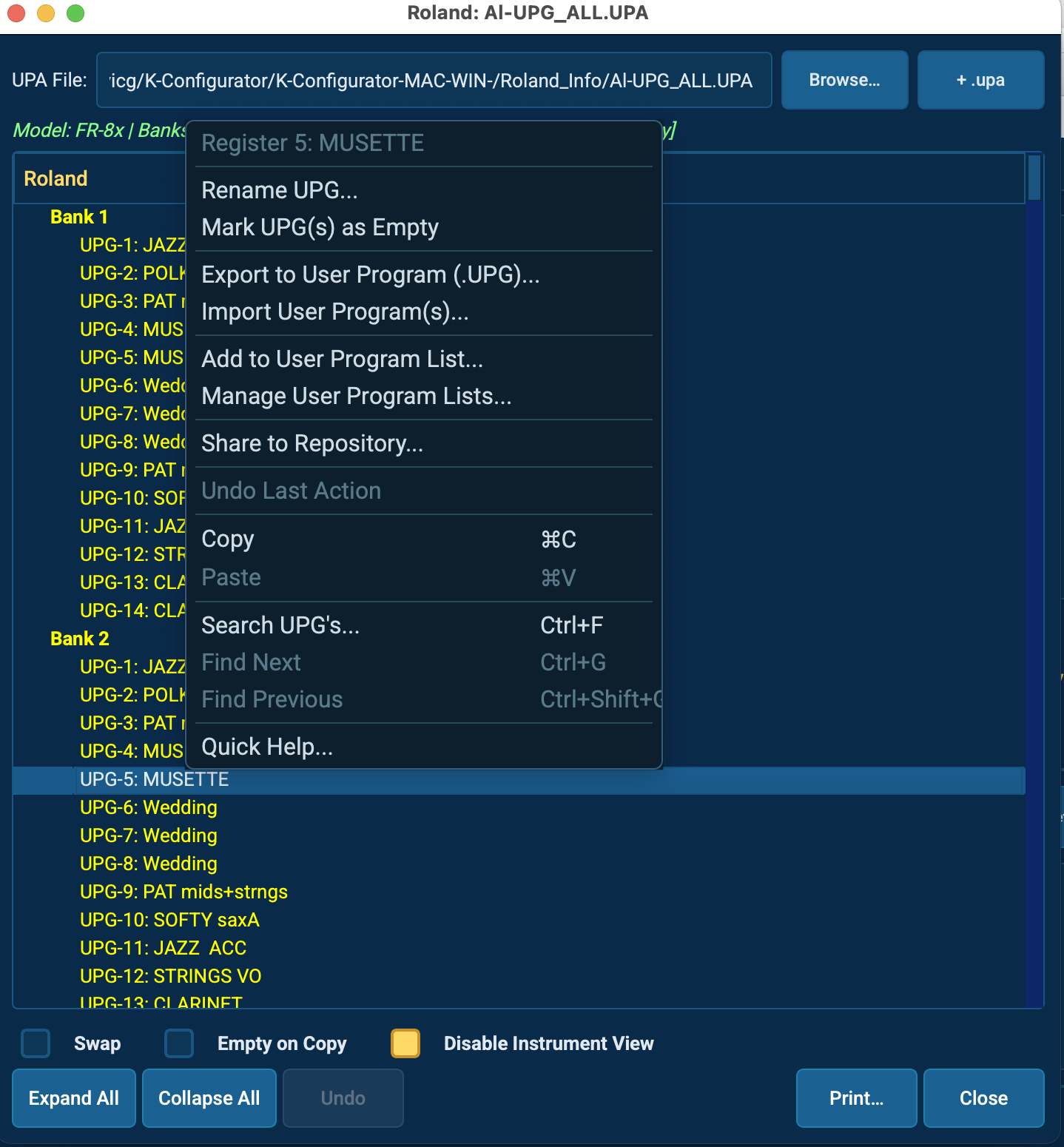
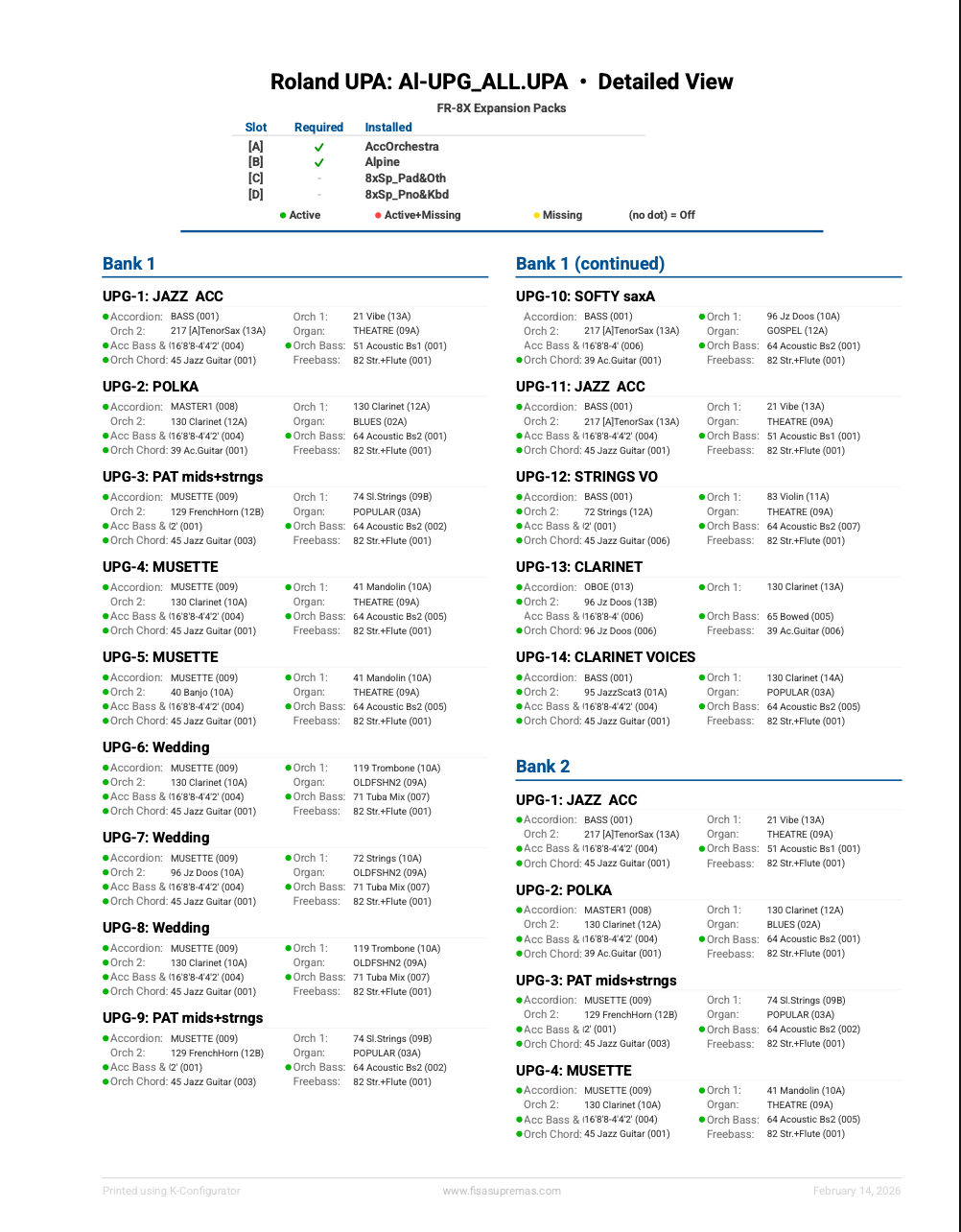
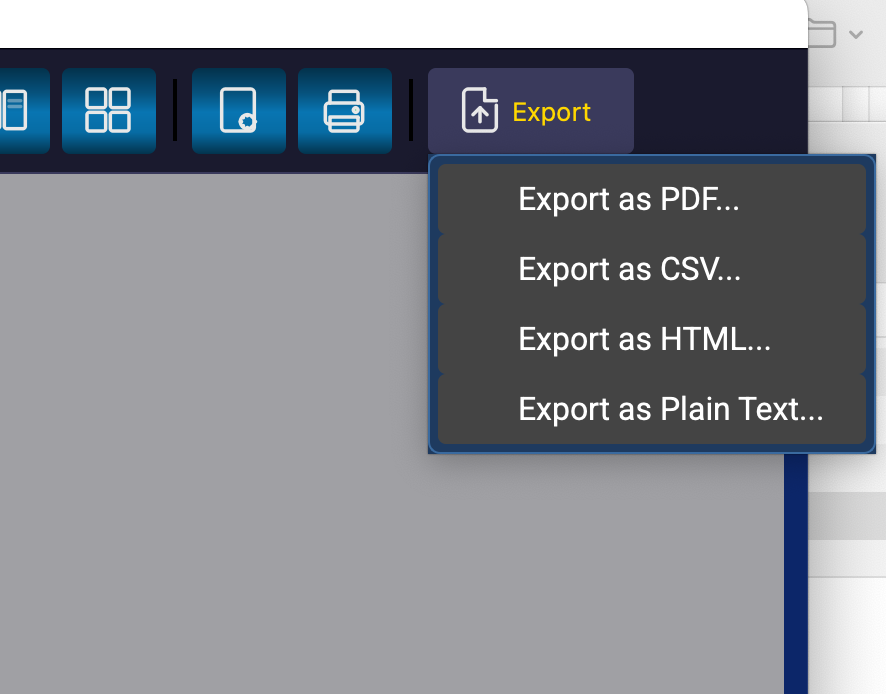
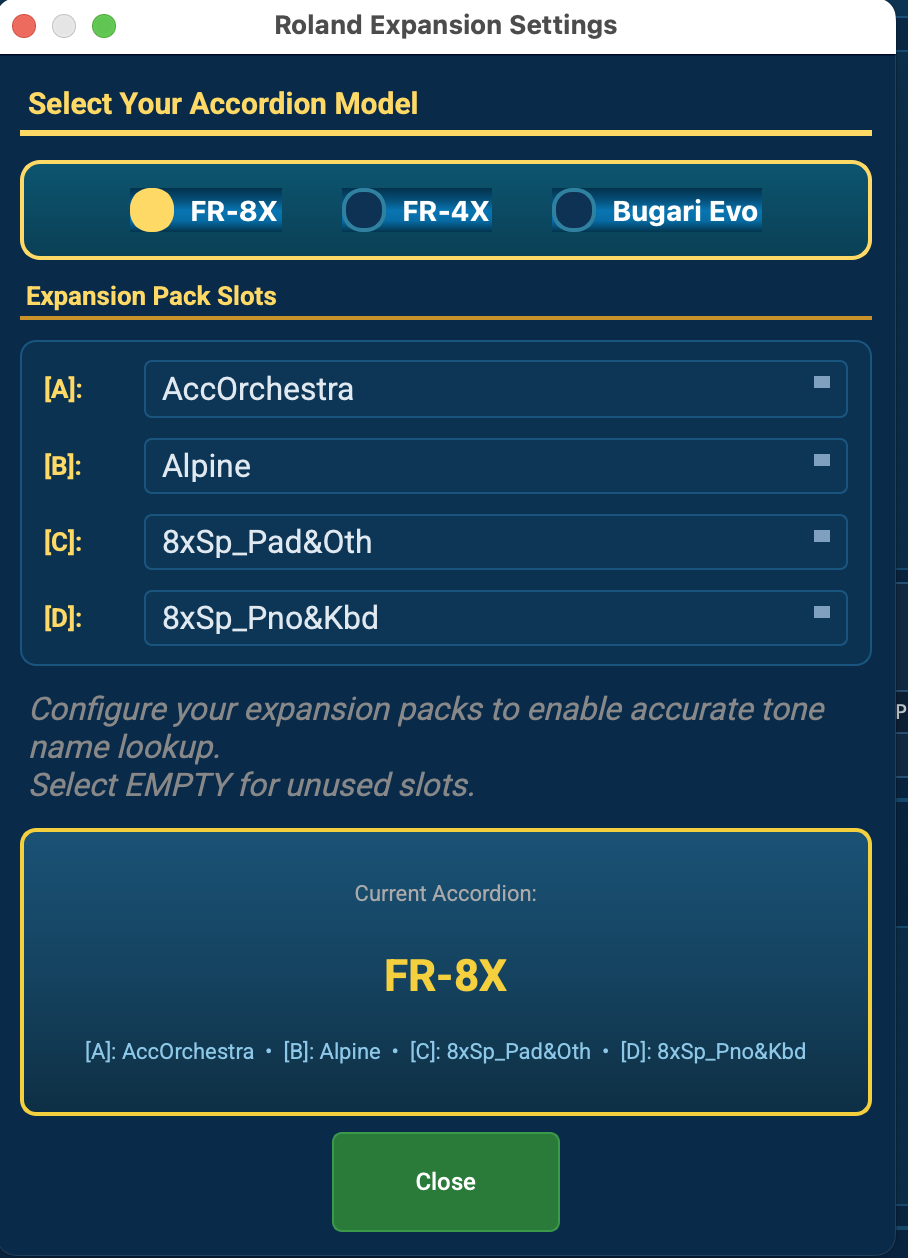
NEW Now with Roland FR-8X / FR-4X / Evo support: manage banks, user programs, UPG lists, and song lists.
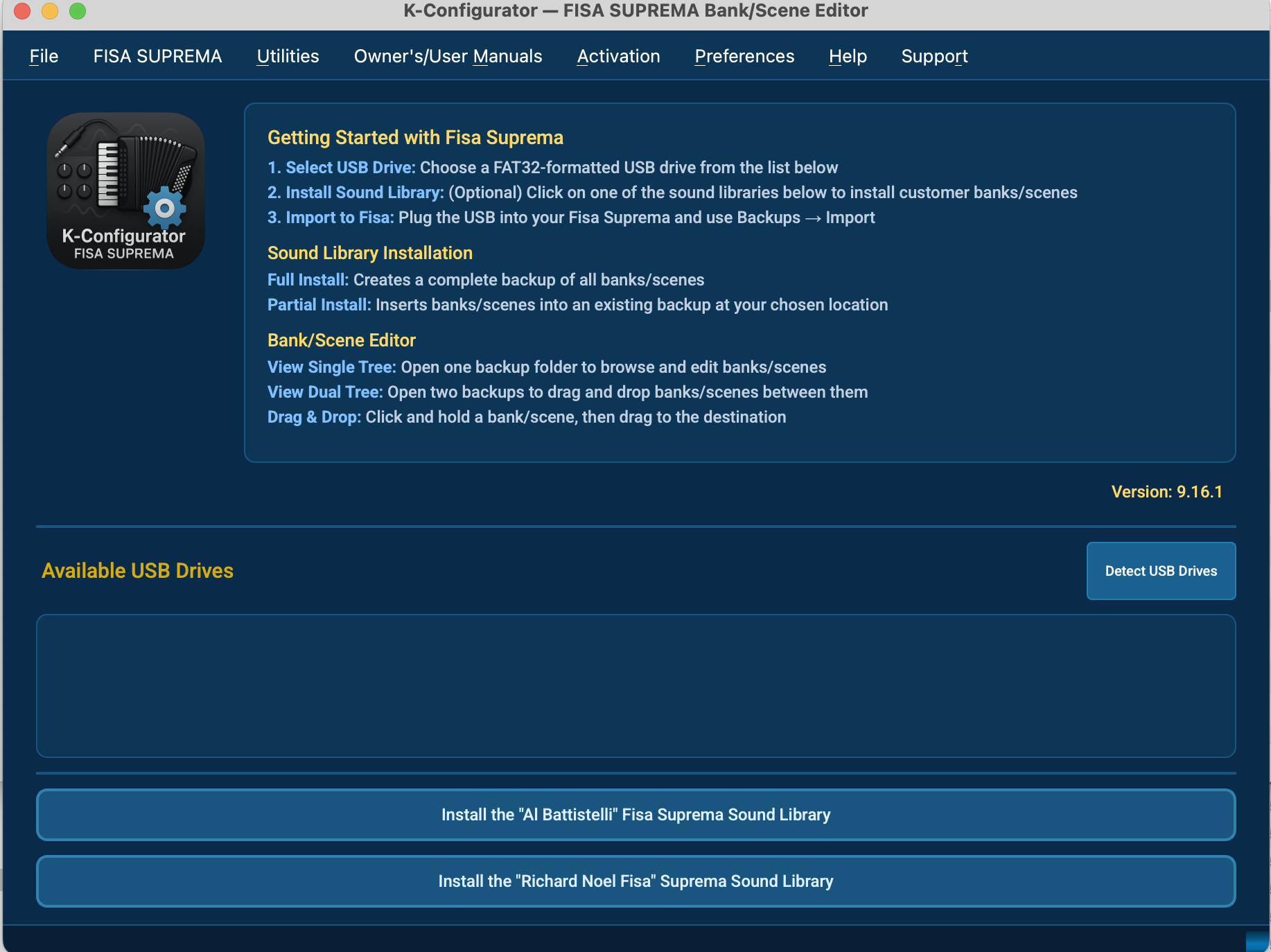
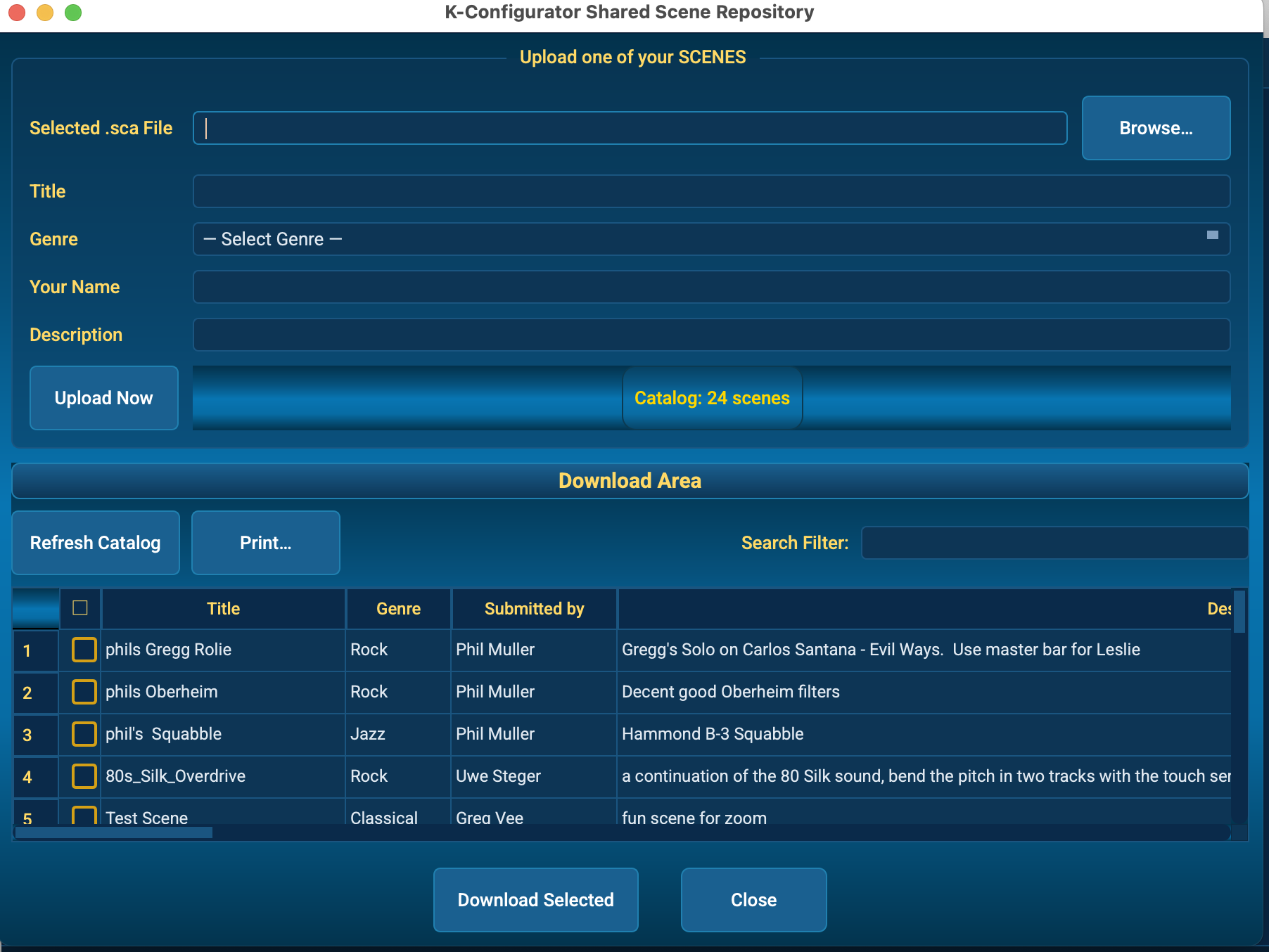
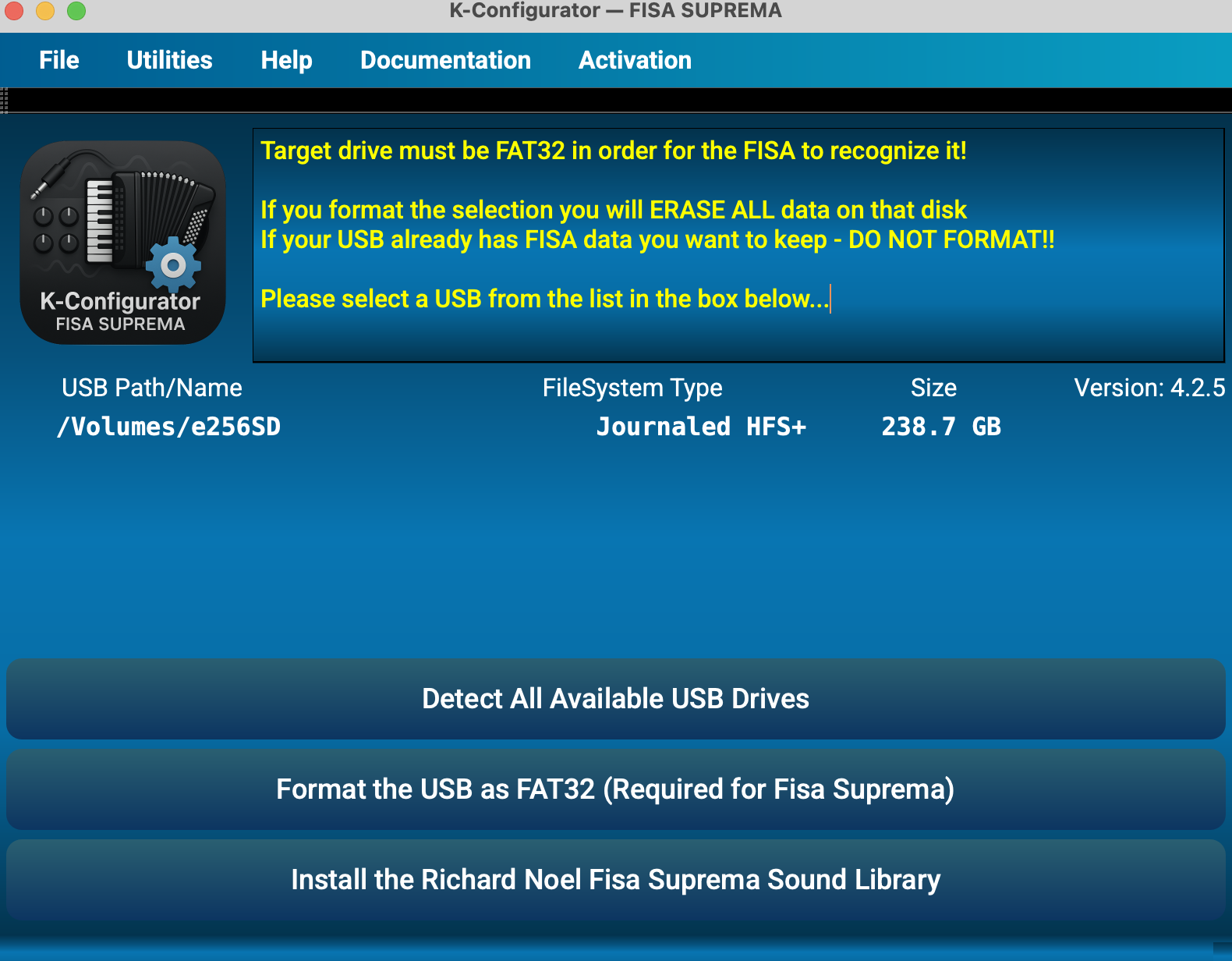
K-Configurator is a professional KORG FISA SUPREMA editor that helps owners manage backups with 100 banks (00–99) and scenes A–F: move content between backups, choose Replace or Swap, Undo changes, print bank ranges, and export scenes. Runs on macOS and Windows. Linux builds are available by request.
Includes a 7-day free trial. New here? Read the FAQ or visit the FISA SUPREMA Editor overview.
Core Features
- Backup organization — 100 banks per backup (00–99), each with scenes A–F.
- Dual-tree view — source and destination side-by-side for fast work.
- Bi-directional moves — move banks/scenes either direction between backups.
- Granular control — move entire banks, single scenes, or selected groups.
- Replace vs Swap — choose your preferred workflow.
- Undo — roll back the last operation.
- Printing — print the full tree or a bank range (e.g., 1–20).
- Export scenes — export selected scenes in bulk.
- Selective restore — import whole archives or specific banks.
Looking for the editor page? See KORG FISA SUPREMA Editor.
Trial & Support
- 7-day free trial — explore before committing.
- Support — email questions to [email protected].
- Premium libraries — available in the app (details provided in-app).
Windows
- Signed installer for Windows 10/11 (x64).
- Includes required VC++ runtime.